
Change the theme
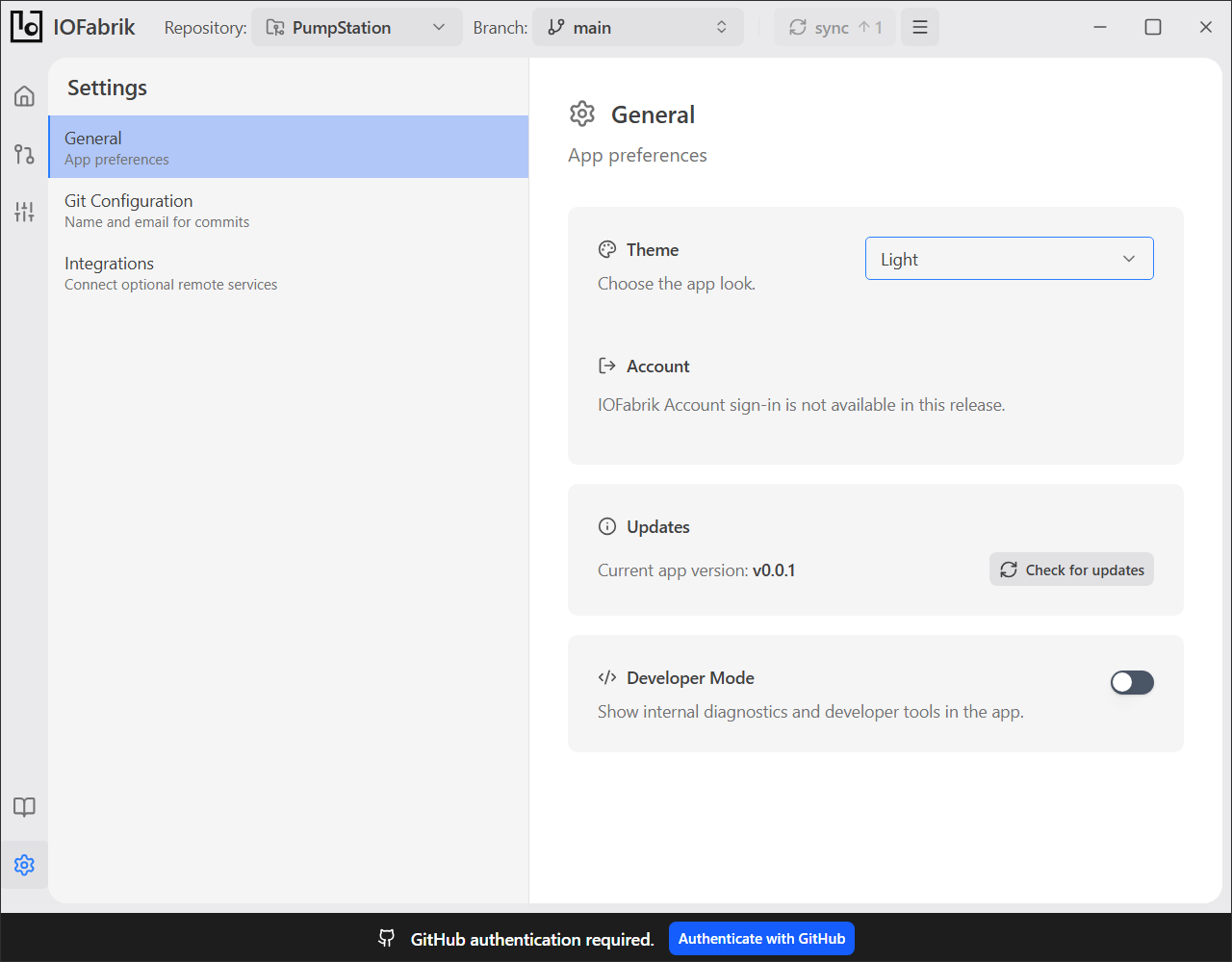
- Click Settings, the gear icon near the bottom of the left activity bar.
- Select General.
- In Theme, choose Light, Dark, or System.
The app applies the theme immediately. System follows your Windows theme.
For the other controls on this page, see General settings.