
Set your Git identity
Set your Git identity before your first Save. Your Git identity labels saved history. It does not sign you in to GitHub.
- Click Settings in the left activity bar.
- Select Git Configuration.
- In Name, enter the name you want teammates to see.
- In Email, enter the email you use for project history.
- Click Save Changes.
The app displays Git configuration saved. This form saves the global Git identity for your Windows account.
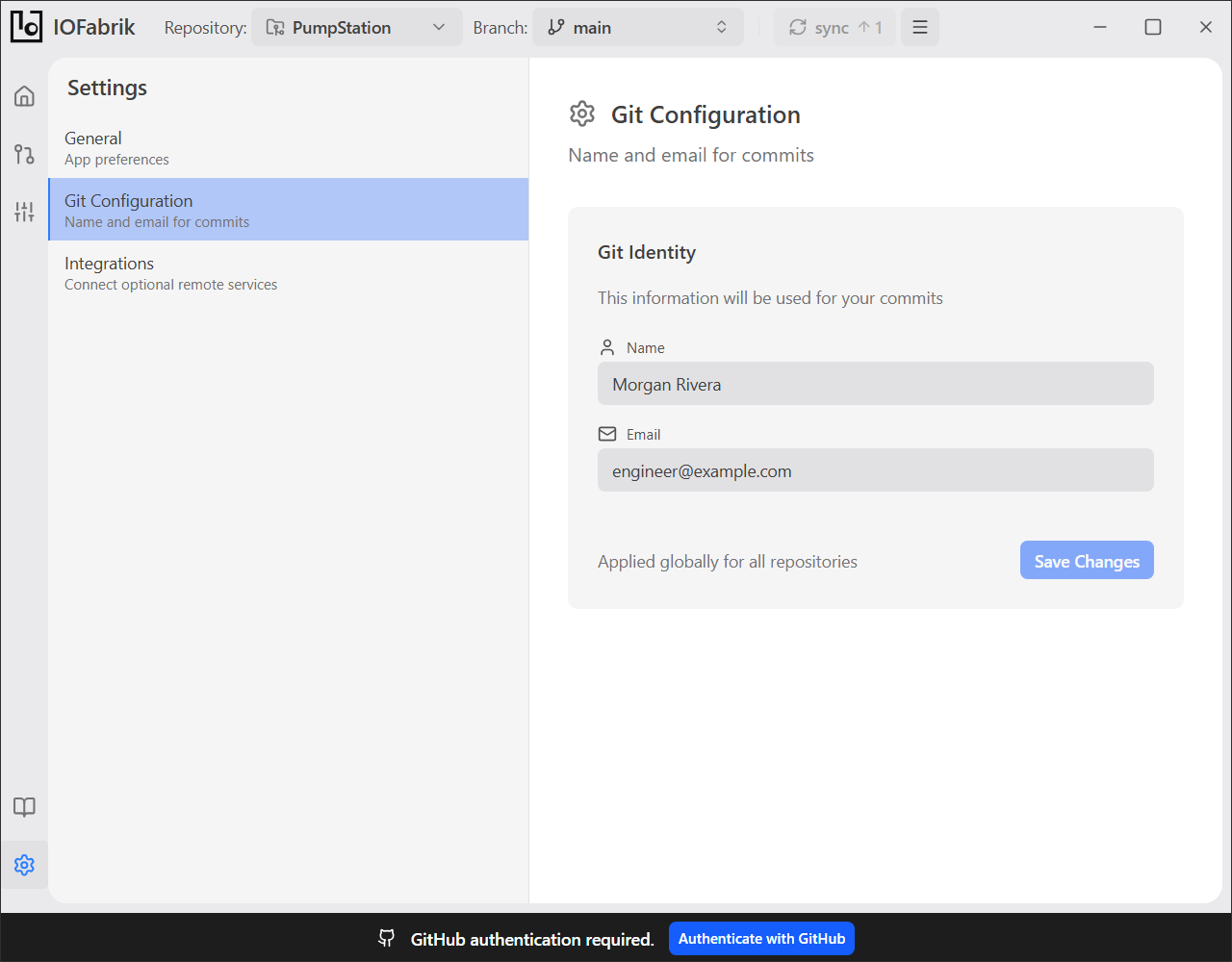
If a repository has its own Git identity, that identity takes precedence over the global settings. Changing your identity does not change earlier saves.
If a Save still uses an unexpected identity, follow Find a missing save to inspect the project’s history.