
Repository health checks
Repository Settings, then Troubleshooting, contains diagnostics for the open project. Repository Health Check runs when this category opens. Check Again repeats the check.
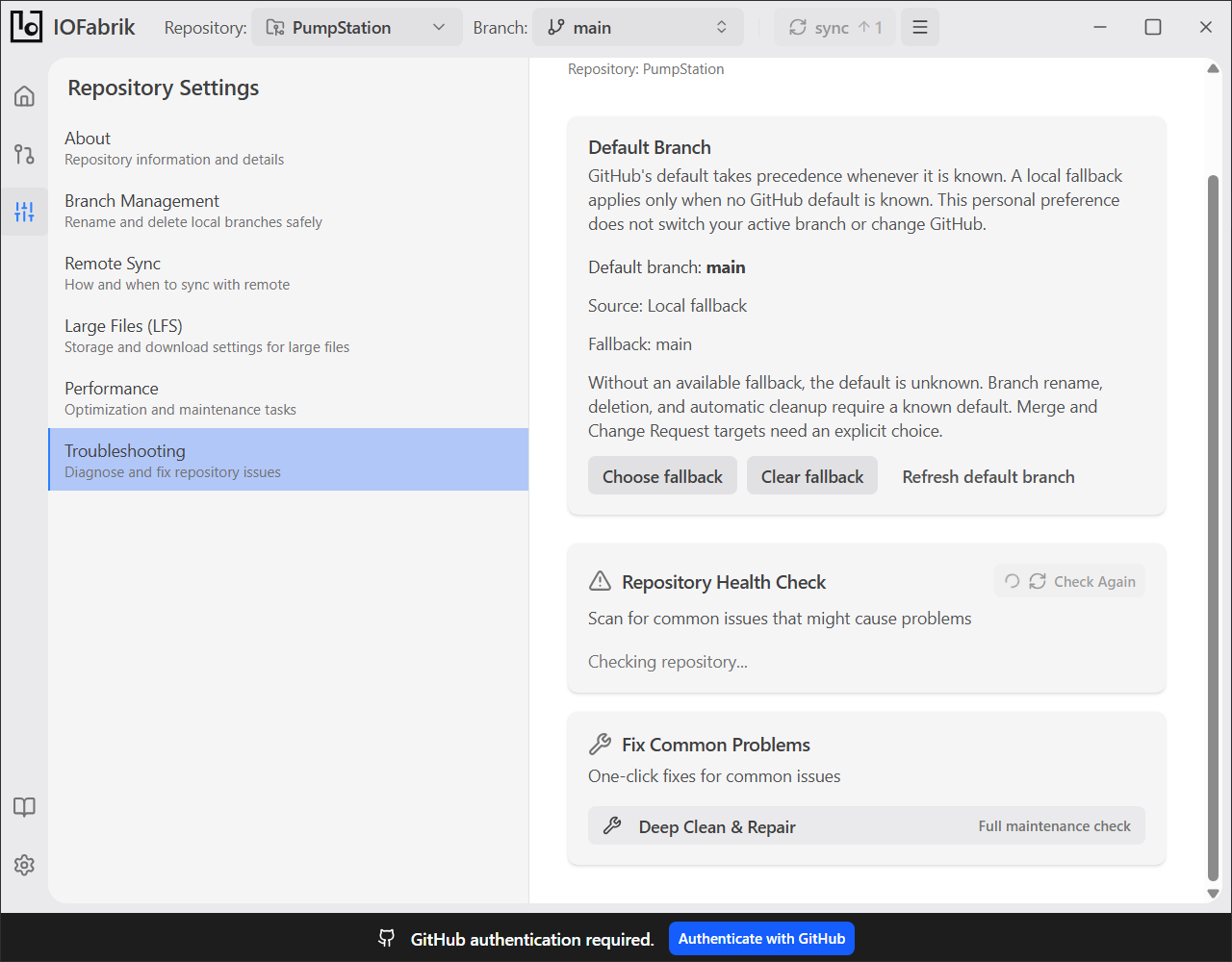
Recovery actions
Section titled “Recovery actions”The Fix Common Problems section shows actions that match the detected state:
- Remove Stale Lock Files removes Git lock files. A lock may belong to an active Git process.
- Cancel Stuck Merge, Cancel Stuck Rebase, Cancel Stuck Cherry-Pick, and Cancel Stuck Revert abort the corresponding operation.
- End Bug Search (Bisect) exits a Git bisect session.
- Cancel Patch Application aborts a Git patch application.
- Create Branch, under Not on Any Branch (Detached HEAD), creates a branch at the current commit and switches to it.
Aborting an operation can discard conflict-resolution work. Removing a lock while another Git process is active can interrupt that process.
The recovery procedure is in Recover from a stuck operation.
Deep clean and repair
Section titled “Deep clean and repair”Deep Clean & Repair runs a repository check, garbage collection, pruning, commit-graph generation, and repacking. Pruning can remove unreferenced Git objects that might otherwise help recover lost commits.
This action is not a replacement for recovering missing work. The diagnostic procedure is in Find a missing save.
Diagnostic limits
Section titled “Diagnostic limits”A clean health check covers the repository states inspected by the app. It does not verify GitHub permissions, SDK availability, or project correctness.
For an error outside the health check, collect debug logs from the failing operation.