
Repository information
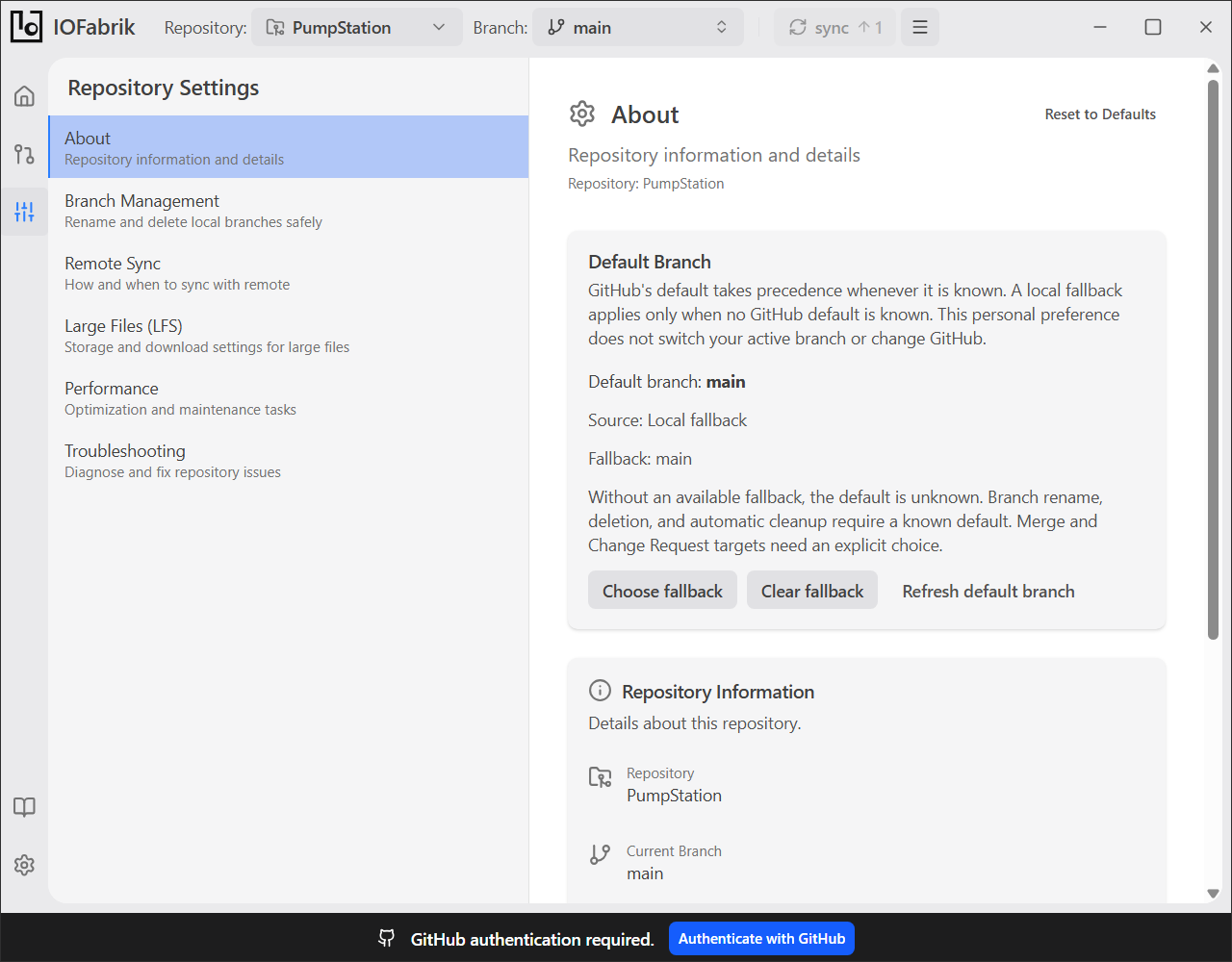
Repository Settings is the sliders icon in the left activity bar. It becomes available when a Git project is ready. Its About category describes the open repository.
Default branch
Section titled “Default branch”The Default Branch card appears above every category. It identifies the default branch and whether the result comes from GitHub or a local fallback.
The procedure is in Set the project default branch.
Repository information
Section titled “Repository information”The information fields are read-only:
- Repository is the local folder name.
- Current Branch is the active branch.
- Local Path is the project folder on this computer.
- Remote URL is the configured remote address. No remote configured identifies a project without a remote.
Status
Section titled “Status”The counters describe the app’s current repository status:
- Changed Files counts files with local changes.
- Ahead counts local commits waiting to be shared with the tracked remote branch.
- Behind counts known incoming commits from that branch.
Remote information reflects the latest successful fetch. It can be out of date while you are offline.